New · AI-ready templates
Templates that work with AI, not against it
Microsoft 365 Copilot and Gemini can now draft reports and build presentations in seconds. What they produce is only as good as the template underneath. We engineer templates so AI-generated documents come out on-brand, properly structured and ready to send.
AI writes into whatever structure you give it
Ask Copilot to turn a Word report into a presentation and it reaches for your slide layouts. Ask it to draft a proposal and it writes into your document’s styles. When those layouts and styles are built properly, the result looks like your organisation made it. When they aren’t, you get off-brand slides, text boxes floating over logos, and headings that are just bold text.
Most corporate templates were built before AI existed. They rely on people knowing which layout to pick and which style to apply. AI doesn’t know your workarounds — it follows the template’s real structure, exactly as it is.
That makes template engineering more important, not less. The organisations getting good results from AI are the ones whose templates were built properly in the first place.
What makes a template AI-ready
We build and test templates for the way people now create documents: part human, part AI.
- 01
Layouts AI can choose from
Clearly named PowerPoint layouts with the right placeholder types, so Copilot can pick a title, section, content or chart layout — and fill it — without breaking the design.
- 02
Styles AI output lands in
A complete, logical Word style set, so AI-drafted headings, body text, lists and tables fall straight into your brand styles instead of manual formatting.
- 03
Brand rules built in, not described
Colours, fonts, spacing and logo placement locked into masters and themes, so there’s nothing for AI to get wrong.
- 04
Organisation asset library
Templates, images and brand assets published where Microsoft 365 and Copilot can find them, so the approved version is always the one used.
- 05
Documents AI can read
Real headings, alt text, table headers and metadata make documents easier for Copilot and enterprise search to summarise and answer from accurately.
- 06
Brand-safe prompt guides
Short, tested prompts for your templates — board updates, proposals, reports — so teams get consistent results instead of experimenting.
Where AI-ready templates make the biggest difference
- “Copilot builds our decks, but they don’t look like us”
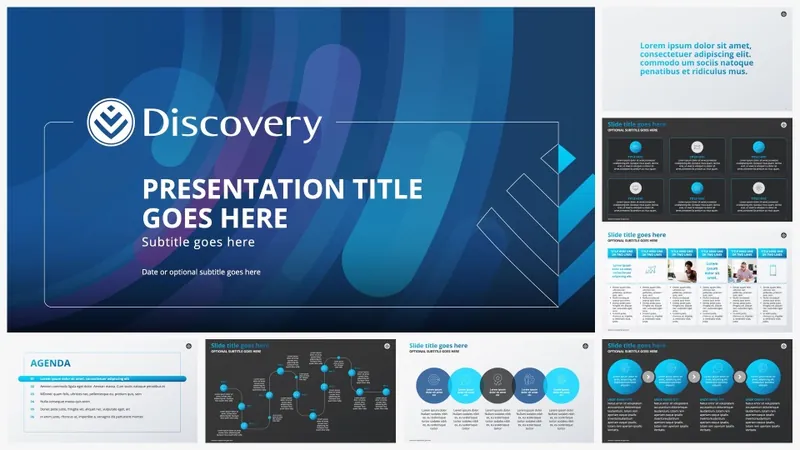
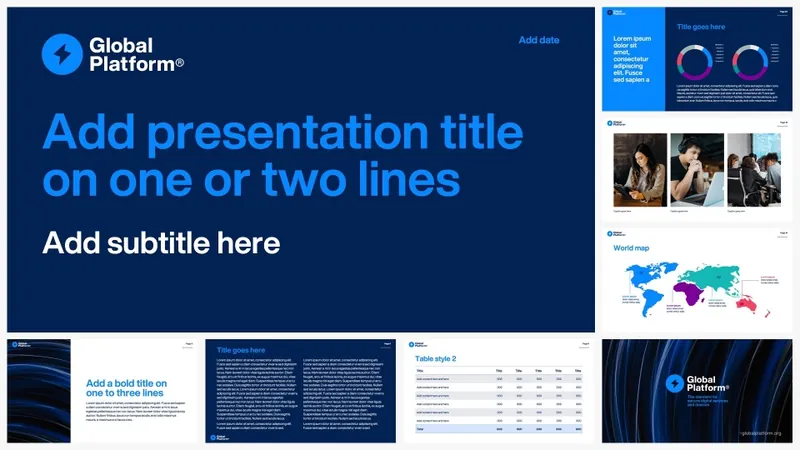
- We rebuild slide masters and layouts so Copilot-generated presentations use your real layouts, colours and typography — and test them with real prompts before handover.
- “AI-drafted reports need hours of reformatting”
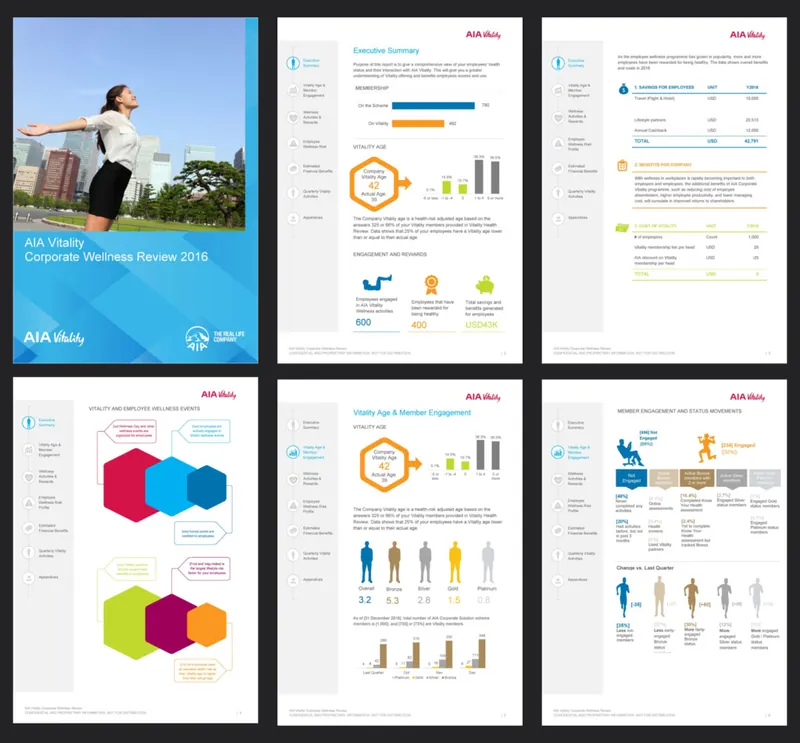
- We give your Word templates a complete style system, so AI-drafted content drops into the right styles and the document is ready to review, not rebuild.
- “People paste in text from ChatGPT and it breaks everything”
- Templates are built to handle pasted content cleanly, with guidance that shows teams how to bring AI text in without importing stray formatting.
- “We’re rolling out Copilot and want our documents ready”
- An AI-readiness review of your templates and highest-volume documents, with a prioritised plan to fix what will cause the most problems once Copilot is in everyone’s hands.
How it works
- Step 01
AI-readiness review
We review your current templates and a sample of real documents for the structural issues that cause poor AI output — unnamed layouts, missing styles, manual formatting, inaccessible content.
- Step 02
Engineer and test
We rebuild or refine your templates, then test them with real Copilot and Gemini prompts on your own content types, adjusting until the output is consistently on-brand.
- Step 03
Roll out with guidance
We publish templates where your AI tools can use them and hand over short prompt guides and training, so every team gets the same quality.
Your files stay private
AI-ready doesn’t mean sending your documents to AI services. Your documents are processed on Worker Ant machines and are never uploaded to external services — AI services included. Templates are tested inside your own Microsoft 365 or Google Workspace environment, or with sample content you approve.
Selected work
Recent work
What clients say
“If you’ve tried doing it yourself before, you’ll understand the complexity of actually getting the base templates right. It’s a very rare skill set to have, and actually deliver something that works. These are more than templates – they are assets and we use them on a daily basis.”
“I needed a series of branded templates for our marketing toolkit, and they had to be user-friendly enough that anyone on our staff could modify them to suit their needs. Deb’s designs not only look great and fit our brand, they are thoughtfully created and flexible enough to suit all of our use cases.”
“Worker Ant were the perfect company to redesign and update all of our office templates. They provided a good balance of artistic design and technical knowhow to build beautiful and robust templates. They were responsive and friendly throughout the design process, providing brilliant suggestions and incorporating our feedback.”
Start a project
Getting ready for Copilot or Gemini?
Send us your current Word and PowerPoint templates. We’ll show you where AI will struggle with them and what it would take to make them AI-ready.
We reply within one working day.